
Turn Customer Questions into Social Media Content People Can Use
Choose a repeatable customer question, verify the answer, and turn it into a clear caption, graphic or short video without exposing a customer.
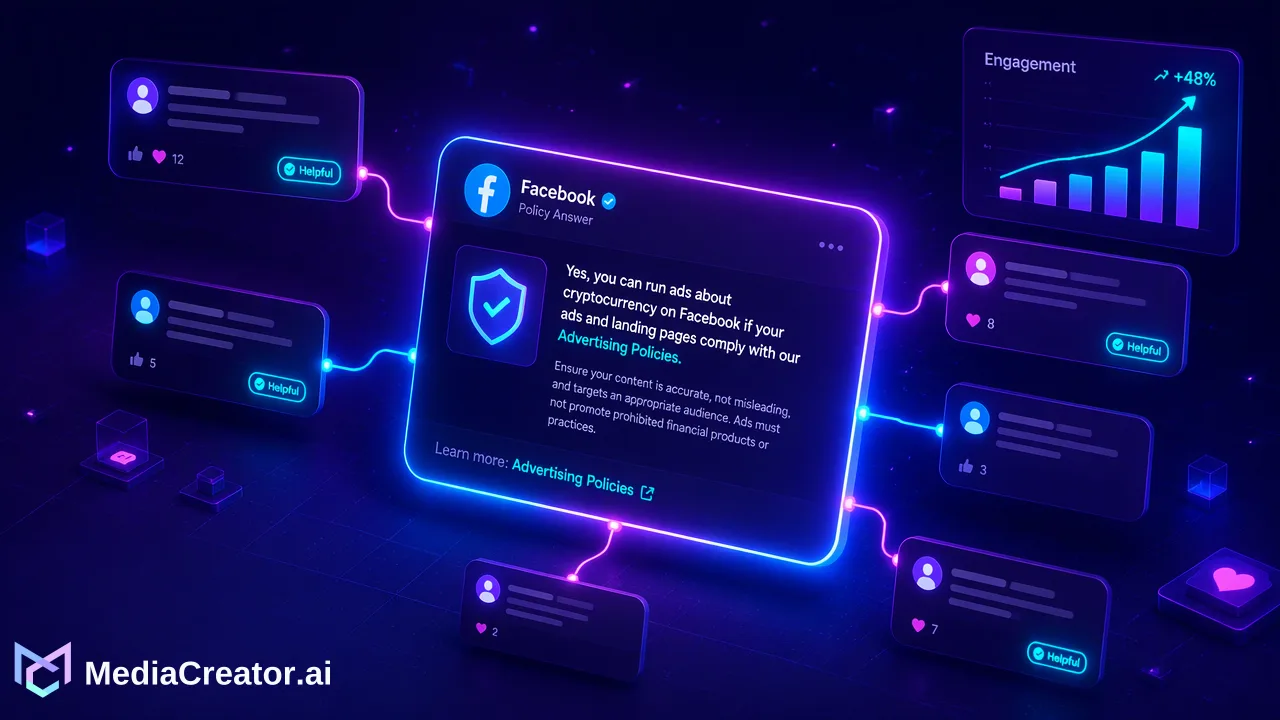
A customer question becomes useful social content when the answer is public, verified and shaped for the format people will actually read.
To turn customer questions into social media content, choose a question with a broadly useful answer, check the facts with the person responsible for the service, remove customer details, and build one clear post around the next action a reader can take.
Choose a question that can be answered in public
A small service business hears the same practical questions in messages, comments and at the counter. Each one is a clue about what customers need before they book, buy or visit. But a question is not automatically a post. Start with an answer that applies to many people: what to bring, how a service works, where to find current availability, or what happens after a booking. A question about one person's account, payment, health or complaint belongs in a private response. The public post can explain the general process while the individual case stays private.
For example, imagine a repair shop repeatedly hears, ‘Can I bring my device in without an appointment?’ This is a hypothetical business example, not a MediaCreator customer story. The useful public answer must come from the shop's current policy. If walk-ins depend on capacity, the post should say so; a polished ‘yes’ that omits that condition would create the wrong expectation. Record the original question in ordinary language, then write the exact answer and the action the customer should take. A short brief might say: ‘Walk-ins are welcome during posted hours when a technician is available. For a guaranteed time, book ahead.’ Verify that wording before using it.
Make one verified answer the source for every version
The person who owns the service policy should confirm the answer, the relevant location, any exceptions and the destination for the next step. Check that a booking link or contact route still works. Remove names, screenshots, order details and distinctive circumstances from the original exchange. Even a name-free quotation may reveal a customer when it includes a rare date or incident. Paraphrase the question unless you have a separate, appropriate reason to quote it.
Now separate the answer from its packaging. The core statement stays constant: walk-ins depend on availability and advance booking secures a time. A caption can open with the customer's question, answer it in two sentences, then link to booking. A simple graphic can carry ‘Walk-ins when available; book for a guaranteed slot,’ with the caption holding the fuller explanation. A short talking-head explanation could show the booking page and speak the same condition aloud. The format changes; the promise does not. An answer-led workflow similarly starts from a real question and reviewed facts. The extra discipline here is a single approved answer that survives each channel adaptation.
Build the post in MediaCreator and inspect what a customer will see
With the answer approved, create a draft in MediaCreator, upload the graphic or video if one is needed, and adapt the copy for the connected destination. Its composer supports drafts, platform-specific copy and settings, and a preview before publishing or scheduling. The social media scheduler provides a calendar for placing the finished post. AI-assisted caption work can help form a first draft, but a person still needs to check that ‘when available’ has not disappeared and that the next step is accurate.
Read the preview as a customer would. Does the first line answer the question? Is the condition visible without opening a long caption? Does the graphic say the same thing as the text? Is the booking action unmistakable? If the destination changes the crop or hides part of the caption, revise that version. A message that is clear in a document can become ambiguous in a feed card. MediaCreator supports TikTok, Instagram, Facebook and YouTube connections; choose the destination and an appropriate supported format in the live composer instead of assuming the same asset fits every network.
Use replies to improve the next answer
Publishing closes the first draft, not the conversation. After the post appears, read the replies and note what remains unclear. If people ask whether weekend walk-ins count, the original answer may need a weekend detail or a separate follow-up. If a customer asks about their own device, move that exchange to the appropriate private channel rather than turn the case into another public example. MediaCreator's Social Inbox can surface supported comments, messages and mentions on eligible paid plans; availability depends on the connected platform, account type and permissions. Questions can also be collected manually from other customer conversations.
Keep a small list with the question, approved answer, owner and last checked date. That makes the next caption faster to verify when the service policy changes. The useful measure is whether the post answers the customer question and leads to the correct next action, not whether every question becomes content. Start with one recurring public question, confirm its answer, and preview a draft in MediaCreator before placing it on the calendar.
Learn More
Choose the product information that fits the next step in your workflow.
Get Started with MediaCreator.ai
Discover the power of AI-driven content creation
Related Articles
Continue learning with these related guides
Create Holiday Opening Hours Social Media Posts Customers Can Use
Prepare an announcement, reminder and reopening post from one verified holiday-hours record so every caption and graphic agrees.
BlogThe Data Storyteller’s Workflow: How to Turn Social Media Metrics into Actionable Insights
Learn a social media data storytelling workflow to turn raw analytics into strategic publishing decisions across TikTok, Instagram, Facebook, and YouTube.
BlogIntegrating AI Agents into Your Social Media Workflow Using MCP
Learn how the Model Context Protocol (MCP) streamlines social media AI agent integration, connecting tools like MediaCreator.ai without manual data exports.
Blog