
The Audio-First Workflow: Balancing Batch Planning with Trending Content
Learn how to balance batch content planning with a responsive social media audio strategy using a unified dashboard, visual calendars, and AI drafting tools.
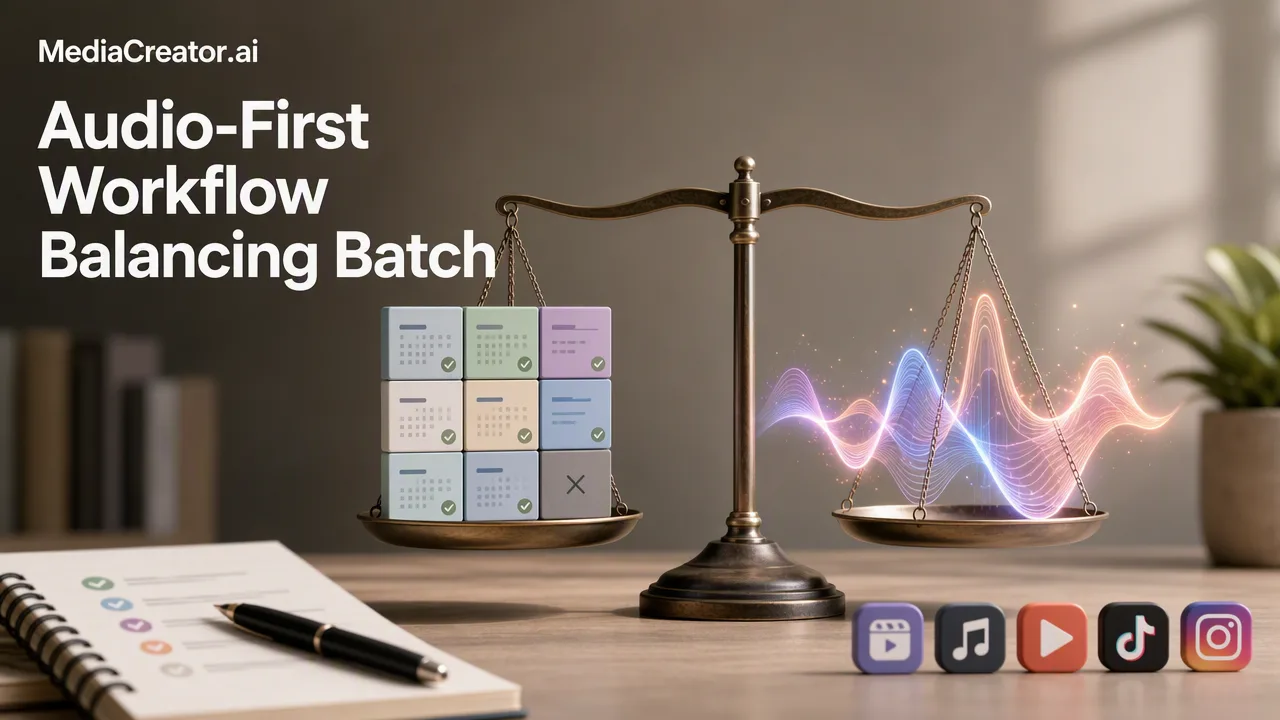
Learn how to maintain a consistent content calendar while retaining the agility to respond to social media audio trends using a unified dashboard and AI-assisted drafting.
To balance batch planning with a responsive social media audio strategy, teams should adopt a hybrid workflow that separates evergreen scheduling from real-time trend adaptation. Use a visual calendar to queue planned content in advance, establishing a consistent baseline. Simultaneously, monitor a unified inbox to catch emerging audio trends and audience conversations as they happen. When a new trend surfaces, optional AI-assisted drafting tools can help quickly adapt your response for different platforms. By connecting accounts securely and keeping both scheduling and engagement in one web-based dashboard, creators can maintain their planned cadence while retaining the agility to participate in fast-moving cultural moments.
The Challenge of the Modern Content Calendar
Batch planning is a foundational practice for social media managers, allowing teams to produce weeks of content in a single, focused session. However, a rigid schedule often clashes with the reality of modern platforms, where cultural moments and audio trends surface and fade within days. A successful social media audio strategy requires agility. If a team relies entirely on pre-scheduled posts, they risk appearing disconnected from current conversations. Conversely, abandoning a calendar to chase every trend leads to inconsistent posting and burnout. The operational challenge is building a workflow that supports both: a reliable queue of evergreen content that maintains brand presence, alongside the flexibility to pause, shift, or insert spontaneous reactions to trending audio without disrupting the broader campaign.
Connecting Accounts for a Unified Workflow
The first step in balancing planned and spontaneous content is centralizing access to your brand's channels. MediaCreator.ai supports direct OAuth 2.0 connections for TikTok, Instagram, Facebook, and YouTube. Because this method uses secure token-based authentication, it requires no password sharing among team members and operates entirely within the web-based software, without the need for browser extensions. Teams can connect multiple accounts per platform, bringing the entire brand portfolio into one dashboard. When a trending audio clip requires a rapid response, having all accounts connected in one place eliminates the friction of logging in and out of native mobile apps, allowing creators to focus on drafting the content rather than managing logins.
Building a Hybrid Visual Calendar
A visual calendar helps teams map out their baseline content while identifying opportunities for trend-reactive posts. In MediaCreator.ai, content moves through distinct states: draft, queued, and published.
| Workflow Approach | Scheduling Method | Trend Adaptability |
|---|---|---|
| Manual Workflow | Spreadsheets and native app drafts | High friction; requires manual app switching and re-uploading |
| MediaCreator.ai Workflow | Centralized visual calendar with queued states | Low friction; easy to drag, drop, and insert new drafts alongside planned posts |
| By keeping the calendar visually organized, social media managers can easily spot gaps. If a trending sound emerges on TikTok or Instagram, teams can quickly draft a response and slot it into the calendar for that afternoon, pushing less time-sensitive queued posts to a later date. This hybrid approach ensures the brand remains active even if a trend takes priority for the day. |
Adapting Content Across Platforms
Trending audio often originates on one platform but quickly spreads to others. A unified workflow supports composing a core message once and adapting it for different audiences. MediaCreator.ai allows teams to draft a central post and then customize the caption, hashtags, and media for TikTok, Instagram, Facebook, and YouTube individually. Before anything goes live, per-platform previews show exactly how the content will render on each specific network. This ensures that a video utilizing a trending sound is formatted correctly for a vertical feed on one platform, while the accompanying text is optimized for a different audience on another, maintaining quality across the board.
Leveraging AI for Rapid Content Adaptation
When speed is critical to participating in a trend, optional AI assistance can help reduce the time spent on manual formatting and ideation. MediaCreator.ai includes tools like Nova AI, which acts as a co-pilot for post drafting and workflow assistance. For visual assets, Content Studio supports AI image and video generation to complement the audio trend, while Quick Caption generates platform-adapted copy based on uploaded media. Crucially, utilizing AI does not mean surrendering control of the brand voice. All AI write actions in MediaCreator.ai show a confirm card before publishing. This mandatory manual review step ensures that human oversight remains central to the workflow. Teams can use AI to accelerate the initial drafting phase, review the output, make necessary adjustments to fit the specific audio trend, and then approve the final post.
Streamlining Engagement and Analytics
Identifying trends often starts by listening to the audience. A unified inbox brings comments, direct messages, and @mentions from all connected accounts into one centralized view. This helps teams spot recurring questions, monitor reactions to recent posts, and identify when followers are referencing new audio trends. Managing engagement from a single inbox prevents the need for constant app switching and ensures no conversation is missed. Once content is published, measuring its impact informs the next planning cycle. MediaCreator.ai analytics surface best-time recommendations based on past performance. By reviewing how both batch-planned evergreen content and rapid trend-reactive posts perform, teams can refine their scheduling strategy, optimizing when their audience is most receptive to different types of media.
FAQ
How can I manage multiple social accounts without switching apps?
By using a web-based platform with OAuth 2.0 connections, you can link multiple profiles across TikTok, Instagram, Facebook, and YouTube into a single dashboard. This allows you to draft, schedule, and review content for all accounts without logging in and out of native applications.
Does AI automation mean I lose control over my brand voice?
No. In MediaCreator.ai, optional AI tools like Nova AI and Quick Caption assist with drafting and ideation, but all AI write actions require a manual confirm-first step before publishing. This ensures you always review and approve the final message.
How do I balance scheduled content with trending audio?
Maintain a visual calendar with your evergreen posts in a queued state, ensuring a consistent baseline. Use a unified inbox to monitor real-time conversations, and leave intentional gaps in your schedule to quickly draft and insert trend-reactive content when relevant audio surfaces.
How do I measure the impact of my scheduling strategy?
Use built-in analytics to review the performance of both your evergreen and trend-reactive posts. MediaCreator.ai surfaces best-time recommendations based on this data, which helps inform your future visual calendar planning and optimizes when you queue your content.
Get Started with MediaCreator.ai
Discover the power of AI-driven content creation
Related Articles
Continue learning with these related guides
How to Schedule Facebook Posts in Advance and Preview Them First
Connect a Facebook Page, draft, preview and place posts on a calendar, then confirm each one actually went live. Includes checks and common mistakes.
BlogThe Social-First Distribution Framework: How to Repurpose Assets for Maximum Reach
Build an efficient social media content distribution strategy by repurposing core assets into platform-native formats with centralized scheduling.
BlogThe Threads Growth Playbook: Workflows for Text-First Social Media Strategy
Build a scalable text-first social media strategy with proven workflows for conversational posting, brand voice consistency, and structured drafting.
Blog