
How to Review AI-Generated Social Media Posts Before They Go Live
To review AI-generated social media posts, check the factual claims, rights, brand voice, platform fit, and final account preview before scheduling. Treat
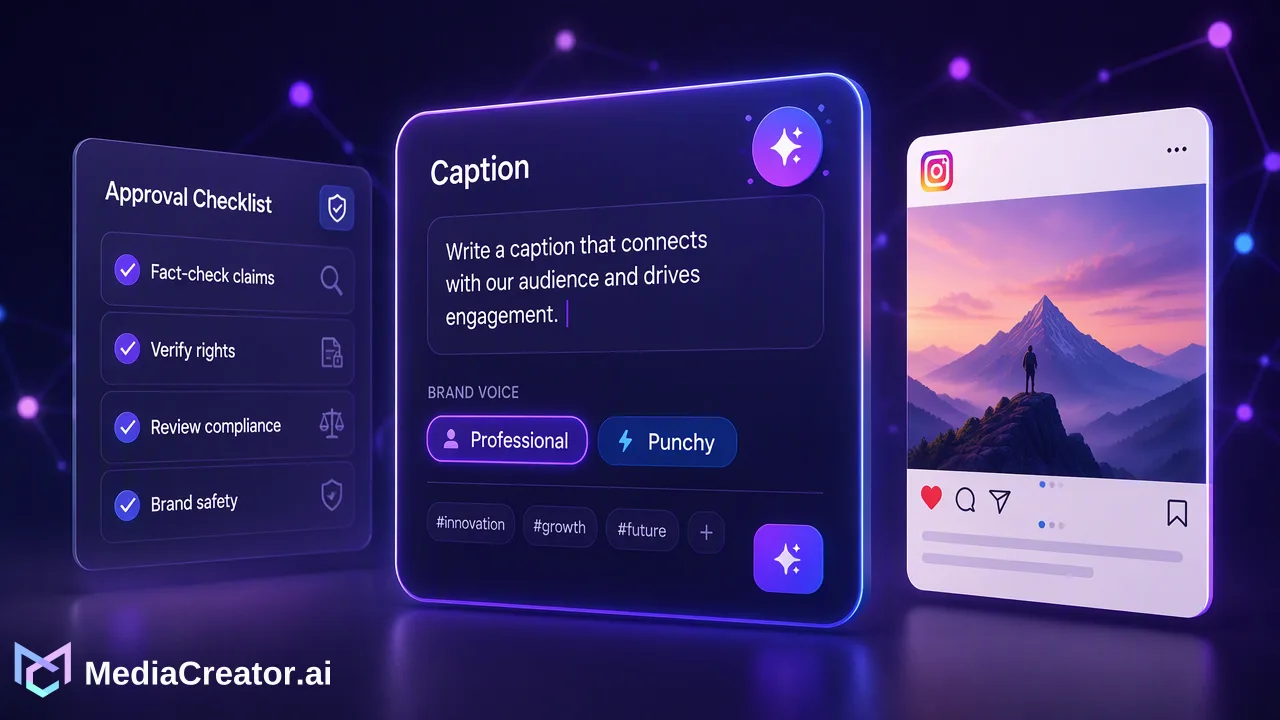
To review AI-generated social media posts, check the factual claims, rights, brand voice, platform fit, and final account preview before scheduling.
To review AI-generated social media posts, check the factual claims, rights, brand voice, platform fit, and final account preview before scheduling. Treat generated copy and media as drafts that need an accountable editor. A short, repeatable approval record helps teams catch errors without turning every post into a lengthy meeting.
Review AI-generated social media posts against the source brief
Start with the original assignment, not the polished draft. Write down the audience, one intended message, the supporting source, the desired action, and the accounts that will carry the post. If a generated draft adds a statistic, testimonial, customer result, deadline, or product capability that was absent from the brief, pause and find an authoritative source. Delete the claim when nobody can substantiate it. Attractive wording is not evidence.
Read the draft as a reader with no access to the internal brief. Can the reader tell what is being offered, what is opinion, and what is a verifiable statement? Check every number, date, product name, link destination, and person named. Compare the caption with the landing page and current campaign details. A true statement can still mislead if the image suggests a result that the copy does not support. Keep a short record of the source used for substantive claims so later edits can be reviewed quickly.
Use a simple disposition for each issue: approve, revise, remove, or escalate. Escalate regulated, sensitive, or contractually restricted claims to the appropriate reviewer. This is an editorial process recommendation, not a claim that a publishing tool performs legal review. The FTC endorsement guidance is a useful primary source when a post includes a material brand relationship; teams should check which rules apply to their own situation.
Check voice, meaning, and accessibility
Compare the draft with a few approved posts from the same account. The aim is to preserve recognizable language, not to make every caption identical. Check whether the opening sounds natural, whether jargon has replaced a plain explanation, and whether the call to action accurately matches the linked page. Read the caption aloud; generic praise and repeated superlatives often reveal that a draft has lost its specific message.
For visual posts, check that on-image text is legible at phone size, that essential meaning is available beyond decorative graphics, and that subtitles or captions do not contradict spoken content. Review names, pronunciation, and translations with a qualified person when the audience uses another language. An AI draft can be grammatically smooth while altering the intended meaning. An editor should compare it with the source message, not merely proofread the generated text.
MediaCreator.ai offers optional Quick Caption and opt-in Brand Voice for supported writing surfaces. A saved voice can help frame a draft, but the editor still chooses whether a particular phrasing fits the current campaign. AI content generation can support drafting and media preparation; it does not replace source verification or editorial judgment.
Verify rights, representation, and disclosure
For every image, clip, soundtrack, logo, and likeness, identify its origin and the permission basis for the intended use. Check any client agreement, talent release, or asset license in the team's own records. If the origin is unclear, replace the asset or ask the owner before approving the post. Generated media does not automatically settle questions about depicted people, brand marks, or similar existing creative work.
Also ask whether a realistic synthetic scene could be mistaken for a real event or real person. Platform rules and local requirements may call for a label or other disclosure. Check the current platform instructions for the exact post type rather than assuming one universal AI rule. TikTok's AI-generated content guidance and YouTube's altered or synthetic content guidance describe platform-specific disclosure contexts. An editor should apply the policy relevant to the destination and revisit it when a platform changes its rules.
This check should occur before final scheduling. A last-minute asset replacement can change framing, text placement, and the meaning of the caption. Keep rights notes with the content brief so the person approving the post can see why the asset was chosen.
Adapt and preview each destination
A single message can work differently on TikTok, Instagram, Facebook, and YouTube. Draft the core point once, then edit the hook, caption length, audience reference, and visual framing for each account. Inspect the opening frame, crop, visible text, link behavior, and any account-specific wording. Do not assume that a good desktop preview means the post reads well on a phone.
MediaCreator.ai has a cross-platform composer with per-platform previews and a visual calendar. The practical sequence is to select the supported connected accounts, adapt the post for each target, inspect each preview, and only then choose an immediate publish or schedule time. The social media scheduler is a relevant next step when several accounts share the same campaign. Nova's content-creating or credit-spending write actions require on-screen confirmation; editors should use that decision point to review the resulting draft, then perform the normal account preview before scheduling.
Check account identity separately from copy quality. The right caption on the wrong brand account is still a failed review. Confirm the target account name, language, time zone, intended date, and post order against the campaign calendar. If two variations are close together, decide whether the spacing is deliberate or an accidental duplicate.
Use an approval checklist with a clear stop rule
A workable checklist can fit on one screen: message matches brief; claims have sources; media rights are documented; disclosure is considered; voice fits the account; copy and visuals are accessible; links work; each platform version is previewed; the target account and timing are correct. Assign one person to own the final decision. A second reviewer can be reserved for higher-risk claims or campaigns, rather than added to every routine post.
Mark a post ready only after all relevant items are checked. If a factual claim lacks support, return it to drafting. If the media license is uncertain, pause that asset. If a platform preview clips essential text, revise the layout and preview again. When a post is approved, save the final version and the approval decision together. This creates a practical reference when a later variation is drafted or a published post needs correction.
After publication, compare the actual live post with the approved version where practical. A published status tells the team that a platform accepted the post; it does not certify that the message was accurate. Keep any corrections in the same editorial record so future drafts can avoid the same mistake.
FAQ
How can teams review AI-generated claims quickly?
Compare each concrete claim with the original brief and a current primary source. Remove unsupported numbers, results, and capabilities before approving the post.
How can teams handle different platform versions?
Keep one core message, then edit each caption and visual for its destination. Review the per-platform preview and target account before scheduling.
How can teams decide when to escalate a draft?
Escalate when a claim is regulated or sensitive, an asset lacks a clear right to use, or a synthetic depiction could mislead. Record the decision and owner.
How can teams keep review consistent across many posts?
Use one checklist and a single final owner, while preserving the source brief, approved version, and any corrections for later reference.
Learn More
Choose the product information that fits the next step in your workflow.
Get Started with MediaCreator.ai
Discover the power of AI-driven content creation
Related Articles
Continue learning with these related guides
How to Set Up a Social Media Content Review Workflow Before Publishing
Learn how to build a social media content review workflow across TikTok, Instagram, Facebook, and YouTube with drafting, previews, and calendar controls.
BlogHow to Preview Social Media Posts Before Publishing on Each Platform
Why each platform needs its own preview, what to look for on TikTok, Instagram, Facebook and YouTube, and how to fit previews into scheduling.
BlogAI Social Media Content Creator: Turning One Idea into Platform-Ready Posts
How a solo creator can use an AI social media content creator to turn one idea into TikTok, Instagram, Facebook and YouTube drafts, then review and schedule.
Blog