
Choosing Commercial Music for Scheduled Social Videos
Build a clear audio-clearance workflow for promotional social videos across TikTok, Instagram, Facebook, and YouTube before scheduling posts.
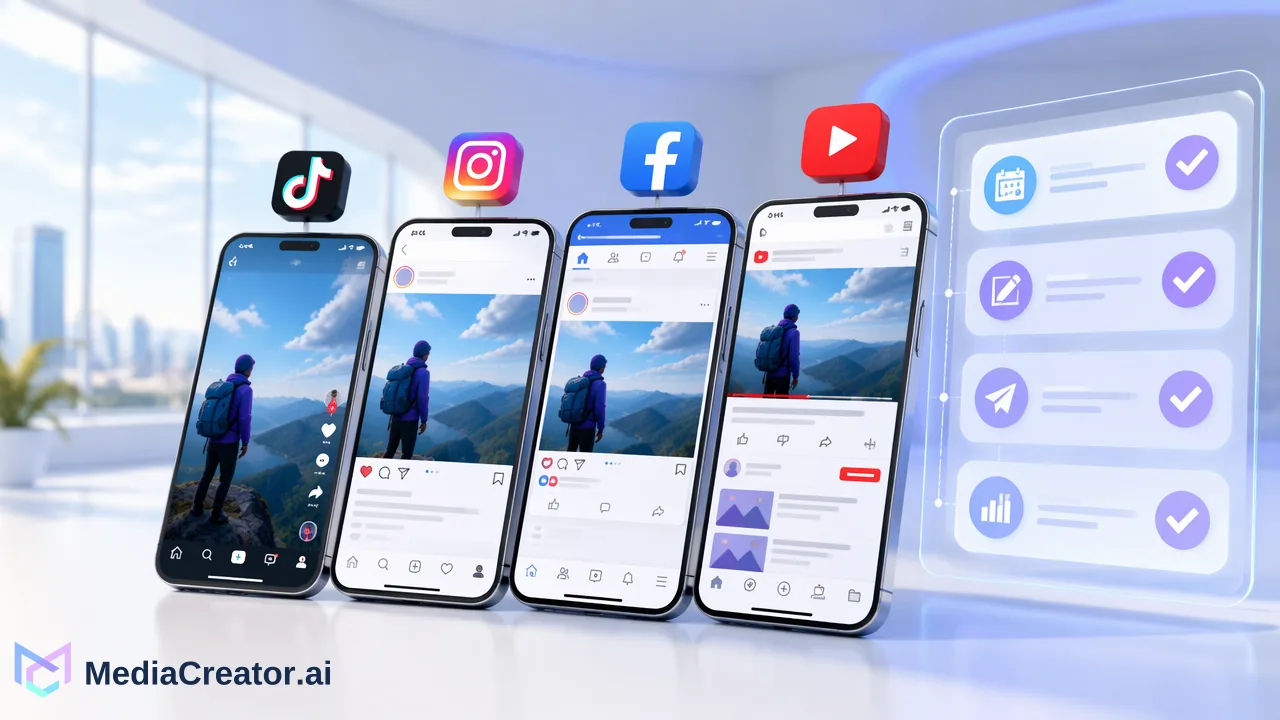
Learn how to select and document commercial music for scheduled social videos across TikTok, Instagram, Facebook, and YouTube with a clear clearance checklist.
Selecting commercial music for scheduled social videos requires verifying license eligibility independently for every target destination. Rights granted on one network do not transfer across TikTok, Instagram, Facebook, and YouTube. Content teams should establish an audio-clearance checklist, verify commercial license terms for third-party promotional use, catalog approved tracks in a central media library, and preview scheduled drafts in a visual publishing calendar to confirm destination-specific compliance prior to publication.
The Multi-Platform Licensing Reality
Publishing promotional video content across multiple networks introduces specific copyright boundaries. A common pitfall in social publishing is assuming that background music cleared or available on one network can be reused across all social channels.
Licensing rights are platform-specific and do not automatically transfer between TikTok, Instagram, Facebook, and YouTube. In-app commercial music libraries often grant usage rights limited exclusively to posts created and hosted natively within that specific service. When planning promotional clips across several networks, organizations must secure third-party commercial synchronization rights that explicitly cover every publishing destination.
Audio Clearance Checklist for Promotional Content
To support compliance and reduce the risk of copyright disputes on scheduled campaigns, teams can execute this step-by-step checklist before finalizing any video edit:
Verify Commercial Scope: Confirm that the track license covers promotional, brand, or commercial advertising usage, rather than strictly personal or editorial creation.
Confirm Permitted Platforms: Check the explicit license grant for each target network among supported destinations, including TikTok, Instagram, Facebook, and YouTube.
Archive License Documentation: Store receipt agreements, license keys, and rights-holder identification alongside the final audio master.
Catalog in a Central Media Library: Upload approved audio and video assets into a centralized repository, such as the MediaCreator.ai Media Library, so team members reuse only vetted files.
Record Whitelist Identifiers: Ensure relevant YouTube channel IDs or platform account handles are submitted to the rights holder's digital fingerprinting system where applicable.
Comparing Audio Options for Scheduled Campaigns
Choosing the appropriate sound source depends on distribution scope and content intent. The following table highlights key differences across common audio categories:
| Audio Source | Commercial Clearance Scope | Cross-Platform Portability | Primary Management Action |
|---|---|---|---|
| Platform Native Sound Library | In-app organic use only | None; restricted to native host | Avoid for multi-network scheduling |
| Commercial Stock Subscription | Brand promotional use | Supported networks explicitly listed | Archive license certificate |
| Custom Original Composition | Full promotional rights | Universal across all channels | Retain contract and master agreement |
Selecting portable commercial stock or custom compositions simplifies asset distribution when managing campaigns across several connected accounts.
Managing Cleared Assets with a Visual Publishing Calendar
Once clearance documentation is complete, scheduling promotional content requires structured cross-platform oversight. Managing posts through a social media scheduler helps teams track publication dates alongside asset readiness.
Step 1: Upload to the Central Media Library
Centralizing cleared creative assets in the web app prevents editors from grabbing unverified sound files from decentralized desktop folders.
Step 2: Configure Destination-Specific Drafts
Using a cross-platform composer, attach the cleared video asset to target profiles across TikTok, Instagram, Facebook, and YouTube. Adjust promotional captions, platform tags, and target settings individually for each connected profile.
Step 3: Inspect Per-Platform Previews
Preview how the video and copy render on each specific network interface before queuing the post. Verifying the presentation in advance helps teams check that account handles and promotional disclaimers match destination requirements.
Step 4: Schedule and Monitor the Calendar
Place approved drafts onto the visual calendar in month, week, or list view. The publishing calendar displays draft, queued, published, and failed states, giving marketing teams operational visibility across all upcoming promotional rollouts.
FAQ
Does a music license for one social platform cover all others?
No. Music licensing terms are platform-specific. A track cleared for an organic post or licensed through an in-app library on TikTok does not automatically carry distribution rights on Instagram, Facebook, or YouTube. Promotional content requires distinct commercial rights for every intended publishing destination.
How can teams organize audio assets for multi-platform compliance?
Teams can organize audio assets by storing cleared tracks alongside their license certificates, expiration dates, and permitted commercial usages inside a centralized media library. Tagging assets by cleared platform destinations helps prevent unauthorized reuse across unsupported channels.
Why is per-platform previewing important for promotional videos?
Per-platform previewing allows publishers to inspect video formatting, accompanying copy, and destination settings for each connected profile before scheduling. This verification step ensures that promotional clips adhere to network-specific requirements across TikTok, Instagram, Facebook, and YouTube.
Learn More
Choose the product information that fits the next step in your workflow.
Get Started with MediaCreator.ai
Discover the power of AI-driven content creation
Related Articles
Continue learning with these related guides
Using an AI Video Generator for Short Social Videos: From Prompt to Scheduled Post
A step-by-step workflow for making short clips with an AI video generator for social media, reviewing them, adding captions and scheduling the post.
BlogHow to Translate TikTok Videos for International Audiences
Learn how to translate TikTok videos using AI speech translation, refine captions, and schedule localized posts across international accounts.
BlogAI Social Media Post Generator: Drafting a Post from Idea to Scheduled Draft
Use Nova, Quick Caption and Content Studio to draft one post from idea to reviewed, scheduled draft, with human review at each step.
Blog