
How Social Media Teams Triage Instagram Comments and DMs
A triage order for Instagram comments and DMs: four priority lanes, owners, response targets, reply templates, moderation tools and an inbox routine.
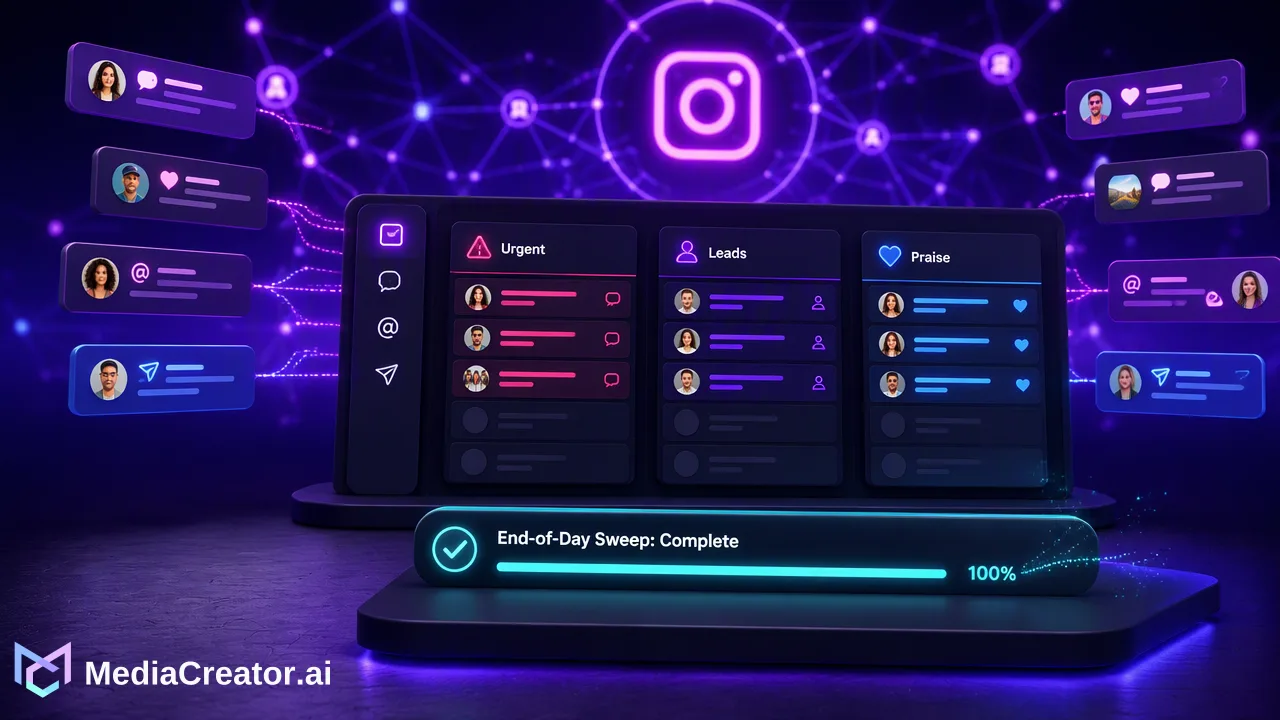
A practical system for social media teams to triage Instagram comments and DMs by priority, assign owners and reply consistently from one inbox.
To triage Instagram comments, sort every new interaction into a priority lane before anyone writes a reply: questions and complaints first, then leads, then praise, with spam handled by filters. Give each lane an owner and a response target, keep approved reply templates for repeat questions, and work from one queue so nothing is answered twice or missed. Triage is a short decision made in seconds; the reply comes after.
Why Instagram comments need triage
Instagram mixes very different interactions in one stream: a buyer asking about stock, an angry customer, a potential partner, a fan and a spam bot can all appear under the same Reel within minutes. Answering in arrival order means the urgent item waits behind the easy ones.
Comments are also public. An unanswered complaint stays visible to everyone who opens the post, while a DM is private but often closer to a sale or a support case. A triage system handles both, using the same priority rules so the team does not have to decide from scratch each time.
A triage order for Instagram comments and DMs
Most published playbooks use three lanes (now, later, ignore). For teams, a slightly finer split makes ownership clearer:
| Priority | Type | Examples | Target | Owner |
|---|---|---|---|---|
| 1 | Complaints and service issues | Broken order, wrong item, safety concern | Same working day | Support lead |
| 2 | Direct questions | Price, size, availability, opening hours | Within the next engagement window | Community manager |
| 3 | Leads and partnership requests | Bulk orders, collaborations, press | Same or next working day | Sales or account owner |
| 4 | Praise and general conversation | Compliments, tags, emoji replies | Batch once or twice a day | Anyone on rotation |
| — | Spam and abuse | Links, scams, harassment | Filter, hide, restrict or report | Moderator |
Adapt the targets to what the team can actually sustain, and publish them internally so everyone uses the same standard. A complaint that names money, safety or legal issues should skip the queue regardless of lane.
Comments versus DMs: what changes
The lanes stay the same, but handling differs:
- Public complaints: reply once in public to acknowledge the issue, then move details such as order numbers to a DM. Avoid long public back-and-forth.
- Public questions: answer in the comment when the answer helps other readers too; that reply often prevents the same question below.
- DMs: check message requests as well as the main folder. Instagram can place requests in a hidden folder without notifications when the Hidden Words option for message requests is on, so someone should open hidden requests on a regular schedule.
- Personal data: never ask for or repeat order details, addresses or phone numbers in a public comment.
Assign owners so nothing is answered twice
With two or more people on one account, the common failures are duplicate replies and items everyone assumed someone else handled. Simple rules help:
- One person triages, others reply. The triager tags or notes each item with its lane during the first pass.
- First claim wins. Whoever opens an item to reply owns it until it is closed or handed off.
- Escalation is explicit. Refunds, legal threats, press and safety issues go to a named person the same day, with a short note of what was already said.
- Rotation for lane 4. Praise and general replies rotate so the senior team stays on lanes 1 to 3.
- End-of-day sweep. One person checks that no lane 1 or 2 item is still open.
Build reply templates that do not sound like templates
Any question answered three times in a week deserves a saved answer. Store templates in a shared document, grouped by lane, and write them as starting points:
- Open with something specific to the commenter, such as their name or product, then use the template body.
- Keep public replies short and link to the relevant page in the bio rather than pasting long policies.
- For complaints, include an apology, the next step and where the conversation continues.
- Review templates monthly and remove answers that are out of date.
AI writing help can speed up drafting new templates, but every template and reply should be read by a person before it is used on a live account.
Use Instagram's own moderation tools for the spam lane
Spam and abuse should rarely reach the reply queue. Instagram provides native controls that reduce noise:
- Hidden Words filters comments and message requests containing offensive words, phrases or emojis, and supports a custom list of words to hide. Hidden comments still count toward the total comment count, and the sender is not notified (Instagram Help).
- Restrict and block limit how persistent negative accounts interact with posts.
- Comment controls let an account limit who can comment on a post when a thread is getting out of hand.
For tools connected through Meta's platform, the Instagram comment moderation documentation describes reading, replying to, hiding and deleting comments on media owned by Instagram professional accounts. That is why third-party inboxes work with professional accounts and only show what the account's permissions expose.
Triage Instagram comments from a unified inbox
Opening the Instagram app on several phones makes ownership hard to track. In MediaCreator.ai, the Social Inbox brings supported comments, DMs and @mentions from eligible connected accounts into one queue, where Instagram makes those interactions available to the connected account through its permissions. A practical routine:
- Open the unified social inbox and filter to the Instagram account in question.
- Do a triage pass first: read and sort, without replying.
- Work lane 1 and 2 items, replying directly from the inbox.
- Batch lane 4 replies at the end of the window.
- Note anything that has to be handled in the native app, such as interaction types the inbox does not show for that account.
Run the first window shortly after each post goes live, since early comments often include questions the caption did not answer. Planning those windows next to the publish times on the social media scheduler calendar keeps posting and replying in one place.
The Social Inbox is available on Creator, Team and Business plans, with 30 days of comment and DM history on Creator and Team and unlimited history on Business.
Measure whether triage is working
Track a few numbers weekly in a simple sheet: open lane 1 items at the end of each day, median time to first reply for lanes 1 and 2, and the questions that appear most often. Repeated questions point to gaps in captions, bio links or product pages, and fixing those reduces future inbox volume more than faster typing does.
FAQ
How can teams decide which Instagram comments to answer first?
Use a fixed order: complaints and service issues first, then direct questions, then leads and partnership requests, then praise. Anything involving money, safety or legal issues skips the queue.
Should every Instagram comment get a reply?
Not necessarily. Questions and complaints should get a reply; praise can be answered in batches or acknowledged with a like; spam and abuse are better handled with Hidden Words, hiding, restricting or reporting.
Why might some Instagram DMs not appear in a third-party inbox?
Third-party tools only see what Instagram exposes to the connected professional account through its granted permissions. Message requests filtered into hidden requests should also be checked in the Instagram app.
How can a team avoid duplicate replies on one Instagram account?
Separate the triage pass from replying, let the first person who opens an item own it, and run an end-of-day sweep for open high-priority items.
Learn More
Choose the product information that fits the next step in your workflow.
Get Started with MediaCreator.ai
Discover the power of AI-driven content creation
Related Articles
Continue learning with these related guides
Centralizing Social Media Engagement: How to Manage Comments, DMs, and Mentions from One Unified Inbox
Learn how a unified social media inbox centralizes comments, direct messages, and mentions from TikTok, Instagram, Facebook, and YouTube.
BlogBreaking Down Marketing Silos: A Unified Workflow Guide for Social Media Teams
Break down social media marketing silos. Learn how unified calendars, asset libraries, and centralized management streamline cross-platform workflows.
BlogBuilding a Scalable Social Media Collaboration Workflow: A Guide for Modern Teams
Learn how to build a scalable social media team collaboration workflow with centralized dashboards, unified inboxes, and AI-assisted drafting.
Blog