
TikTok Auto-Publish or Reminders: Choose by the Final Posting Step
Compare what happens at publish time, when a creator must return to TikTok, and how to test a scheduler before an unattended launch.
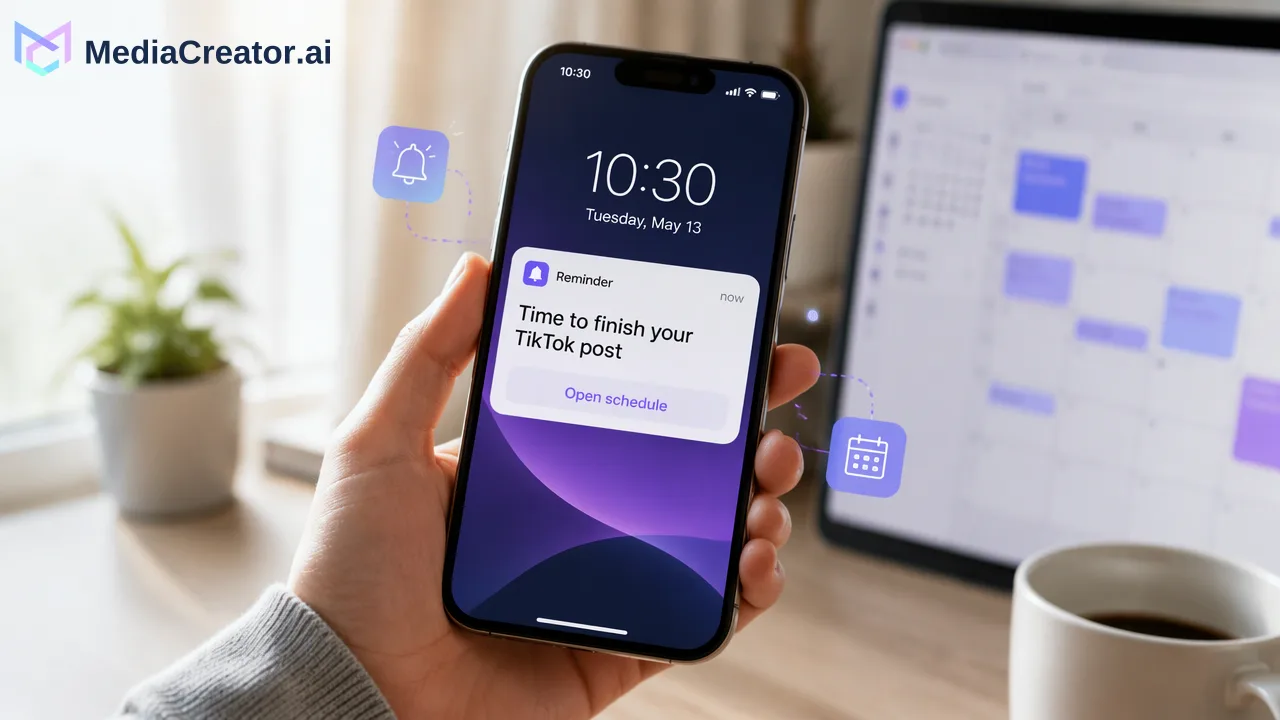
Choose a TikTok scheduling method by identifying who completes the final posting action.
Automatic publishing means an authorized service submits the prepared post at the chosen time, subject to TikTok and account eligibility. A reminder workflow holds the asset and alerts a person, who still has to finish the post in TikTok. If nobody can be present at release time, a reminder is not an unattended publishing plan. Test the exact account and video before relying on either route.
What happens when the scheduled time arrives
A calendar entry can hide two very different handoffs. With automatic publishing, the scheduler attempts to send the prepared video and settings through an authorized connection. The attempt can succeed or fail; “scheduled” describes the queue, while “published” describes a result that should be checked. TikTok’s Content Posting API is an official path for approved integrations, but its existence does not establish eligibility for every account or creative format.
With reminder publishing, the tool sends a notification and provides a prepared asset or caption for the creator to use. A person opens TikTok, checks the final composition and taps through the native posting flow. Later’s workflow explanation makes this distinction explicit for its own product; its particular eligibility rules should not be transferred to another service. The essential question is simple: at the chosen time, does a person still need to act inside TikTok?
Choose based on the creator’s actual availability
Imagine a small team has an approved product demonstration ready for a release while everyone is at an event. A reminder cannot complete the release unless one teammate agrees to take a phone, open the notification and publish. An automatic route may fit that staffing constraint, but only after the team has verified that its account, video and settings work in a real trial. A failed automatic attempt still needs an owner who can inspect the result and decide what to do next.
Now imagine a creator whose final cut depends on a TikTok-native effect or music choice. If the connected scheduler does not expose that exact control, a reminder route can preserve the native finishing step. The creator must reserve time at release, check the post and confirm it appears publicly as intended. Neither example is a promise about a particular account. The required controls, permission state and current TikTok policies are part of the choice.
Check authorization, format and creative controls before committing
A connected-account badge only confirms some connection state. For a meaningful trial, verify which TikTok account was authorized, whether the connection has the permissions needed for the intended operation, and whether the actual video format and media rights fit the route. Check the caption, cover and visibility choices offered in the selected flow. If the post depends on a native effect, sound or editing control that the scheduler does not expose, plan a native finishing step instead of assuming the control will appear later.
MediaCreator documents OAuth-connected TikTok accounts, a cross-platform composer, per-platform previews and a visual calendar with draft, queued or publishing, published and failed states. Its scheduler page is useful for testing that workflow. These documented features do not mean that every native TikTok control is available in the composer, or that every scheduled attempt will succeed. Review the live account connection and the specific post settings shown before saving a real campaign.
Run one controlled trial and inspect the terminal result
Use a harmless sample video and the intended TikTok account. First, record who owns the final posting action and what the team expects at the scheduled minute. Prepare the caption and media, inspect the TikTok preview and choose a time when someone can observe the outcome. If the route is automatic, wait for the actual result state and inspect the post in TikTok; do not stop at a queued label. If it is a reminder, have the assigned creator complete the native steps and record when the post becomes visible.
Write down four observations: the action required at release, the account and media combination tested, any creative setting that had to move to TikTok, and the final result or failure. Repeat the test for a materially different format if the campaign depends on it. A trial proves only that combination at that time; permissions or platform rules can later change. For an unattended release, designate a person to review a failed state and decide whether to revise or reschedule, rather than treating a missed notification as a published post.
Start with one approved TikTok post in MediaCreator’s scheduling workspace. Preview it, record the expected final action and verify the terminal status before placing a time-sensitive launch on the calendar.
Learn More
Choose the product information that fits the next step in your workflow.
Get Started with MediaCreator.ai
Discover the power of AI-driven content creation
Related Articles
Continue learning with these related guides
Scheduled Publishing: Automate Your Social Posts
Learn how to optimize your content strategy through automated social media publishing, ensuring you reach your target audience at the perfect moment.
BlogChoosing a TikTok Scheduling Tool When You Also Post to Reels and Shorts
A TikTok scheduling tool for a creator who also publishes Reels and Shorts should connect the actual destination accounts, let an editor adapt each version
BlogHow to Schedule Instagram Reels Without Posting Manually
Connect an eligible Instagram account, write Reels captions, schedule on a calendar and preview per platform. Includes account-type notes.
Blog