
When to Label an AI-Generated TikTok Video Before Publishing
Review this actionable checklist to determine when to label AI generated TikTok videos for realistic media, synthetic voices, and third-party scheduling.
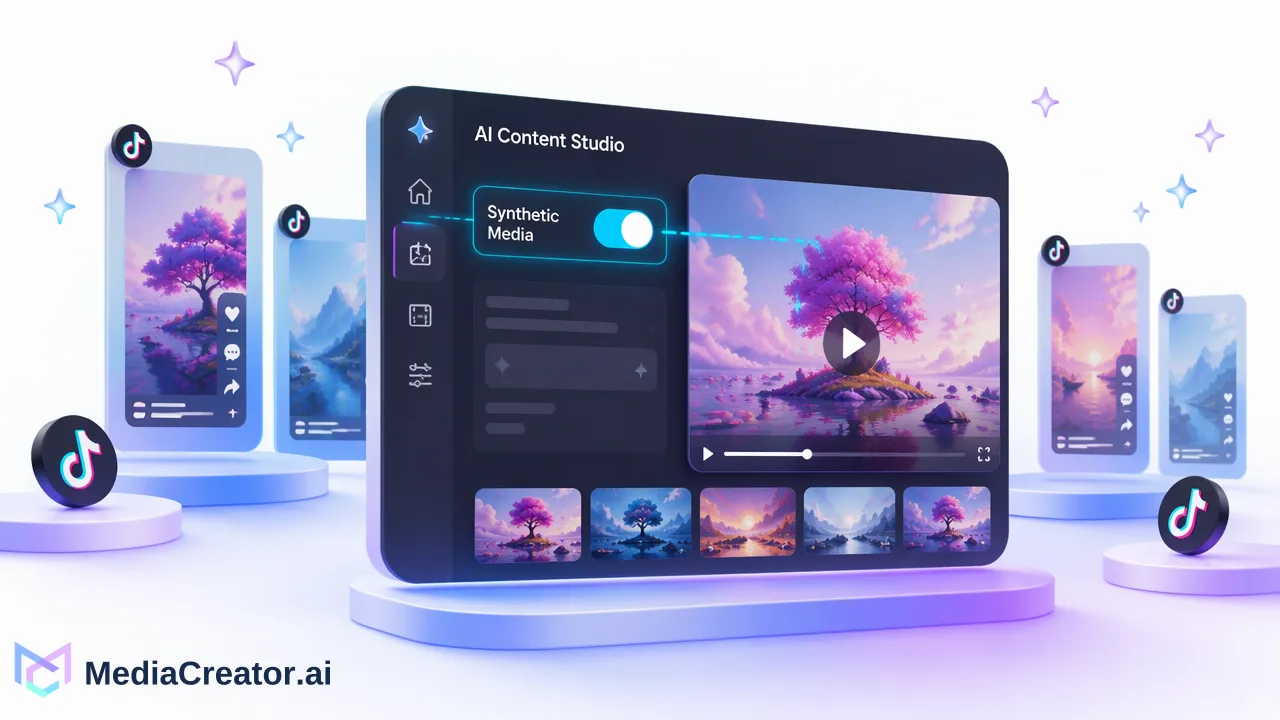
Learn when to label AI generated TikTok videos with this pre-publishing checklist covering synthetic visuals, voiceovers, minor edits, and composer verification.
Organizations and creators must label AI generated TikTok videos whenever content depicts realistic scenes, synthetic people, or artificial audio that viewers could mistake for authentic footage. Under platform transparency rules, full video generation, deepfake-style visual alterations, and synthetic voiceovers require an explicit disclosure tag. In contrast, minor assistive enhancements such as basic color grading, standard cropping, and basic caption cleaning typically do not trigger mandatory disclosure. When scheduling content through social management platforms, teams should assess each asset and verify that disclosure toggles are actively configured in the connected composer or directly within native TikTok publishing controls before the post goes live.
Defining Realistic Synthetic Media Versus Routine Editing
Platform policies require transparency when media portrays events, environments, or individuals created or significantly modified by artificial intelligence. Disclosing synthetic media informs audiences that what they see or hear is not captured reality.
Not every digital edit constitutes synthetic media. Publishing workflows distinguish between generative alterations and routine post-production adjustments:
| Content Adjustment Type | Examples | Disclosure Required? |
|---|---|---|
| Fully Generative Video | Text-to-video scenes, synthetic landscapes, virtual actors | Yes |
| Synthetic Speech & Cloning | AI voiceovers, translated audio tracks with voice matching | Yes |
| Realistic Facial or Body Alterations | Deepfakes, digital face replacements, synthetic de-aging | Yes |
| Assistive Post-Production | Standard color correction, noise reduction, aspect ratio cropping | No |
| Text Transcription & Metadata | Automated subtitle generation, caption adaptation | No |
Evaluating content at the asset stage keeps scheduling workflows organized and avoids post-publishing policy disputes across connected profiles.
Pre-Publishing Checklist: 5 Steps Before You Post
Use this checklist during asset review to determine whether your team must label AI generated TikTok videos before scheduling or publishing:
Inspect for Synthetic Visual Subjects
Check whether the primary subject, background, or action was generated using text-to-image or text-to-video models. If an artificial scene depicts real-world situations or photorealistic individuals that never existed, apply the AI disclosure label.
Check for Cloned or Synthesized Audio
Review the audio timeline for AI voiceovers, synthesized narration, or translated speech. Even if the visual footage is genuine, synthetic vocal tracks representing realistic human speech require disclosure.
Identify Substantial Visual Replacements
Examine whether facial modification, digital de-aging, or synthetic object insertions alter the factual context of genuine camera footage. If visual adjustments present an altered event as an authentic occurrence, mandatory labeling applies.
Separate Generative Media from Assistive Copy Drafting
Verify whether artificial intelligence was used only for caption formatting or script brainstorming. Generating platform copy with AI content generation tools does not require a video label if the video and audio tracks remain natural footage.
Confirm Asset Records in Your Publishing Draft
Tag the asset in your central media library to notify team members that the draft contains synthetic elements. This prevents conflicting edits between creative operators and scheduling managers prior to final publication.
Verifying Disclosure Controls in Your Publishing Workflow
Managing multi-account schedules requires connecting editorial decisions to technical publishing controls. Professional teams streamline this through structured management steps.
Preparing Drafts in MediaCreator
When planning campaigns on a social media scheduler, teams can upload assets, set per-platform descriptions, and preview formatting across connected accounts for TikTok, Instagram, Facebook, and YouTube. In MediaCreator, creative tools such as Nova, Quick Caption, and Content Studio incorporate confirm-first workflows, requiring explicit on-screen user approval before content is written or credits are deducted. This review step offers an ideal checkpoint to mark whether the output contains synthetic media.
Checking Third-Party and Native Publishing Controls
Third-party scheduling dashboards connect to platforms via official OAuth integrations. Because API-level settings may differ across network endpoints, teams must verify how transparency tags are applied:
- Review Composer Options: Check your scheduled post settings to verify whether a native "AI-generated content" toggle is available for the connected TikTok profile.
- Verify in the Native Composer When Necessary: If your third-party composer does not expose TikTok's native disclosure toggle directly for that video format, send the draft to TikTok or open the native upload screen to activate the disclosure switch before publishing.
- Preview Final Rendering: Always inspect the per-platform post preview in your calendar to confirm visual layout and compliance before queuing campaigns for release.
FAQ
Does using AI-assisted captioning require an AI label on TikTok?
No. Assisting tools that generate descriptive captions, fix grammar, or clean text transcripts from real footage generally do not require a platform AI disclosure tag. The labeling requirement focuses on synthetic audio, voice cloning, or visual elements that alter reality or generate synthetic scenes.
How can teams ensure compliance when scheduling through MediaCreator?
Teams using MediaCreator can draft posts, apply platform-specific settings, and review previews across connected accounts before scheduling. Because tools such as Content Studio and Nova require on-screen confirmation before actions are finalized, operators should review whether the resulting media contains synthetic elements and verify that TikTok's native disclosure setting is engaged prior to publication.
What happens if a team fails to label synthetic media on TikTok?
Publishing undisclosed synthetic or heavily altered media that portrays realistic people or events risks content removal, algorithmic downranking, or formal platform warnings. Adding clear disclosures helps teams maintain transparency and adhere to platform safety standards.
Learn More
Choose the product information that fits the next step in your workflow.
Get Started with MediaCreator.ai
Discover the power of AI-driven content creation
Related Articles
Continue learning with these related guides
How to Preview Social Media Posts Before Publishing on Each Platform
Why each platform needs its own preview, what to look for on TikTok, Instagram, Facebook and YouTube, and how to fit previews into scheduling.
BlogHow to Review AI-Generated Social Media Posts Before They Go Live
To review AI-generated social media posts, check the factual claims, rights, brand voice, platform fit, and final account preview before scheduling. Treat
BlogSocial Media Publishing API: What It Covers and When Teams Need One
Learn when a publishing API fits better than a web app, what MediaCreator Public API v1 covers, and how to handle terminal post results.
Blog