
Instagram Scheduling Account Requirements: Native App or Third-Party Tool?
Check Instagram native scheduling separately from third-party publishing eligibility before changing account type or privacy settings.
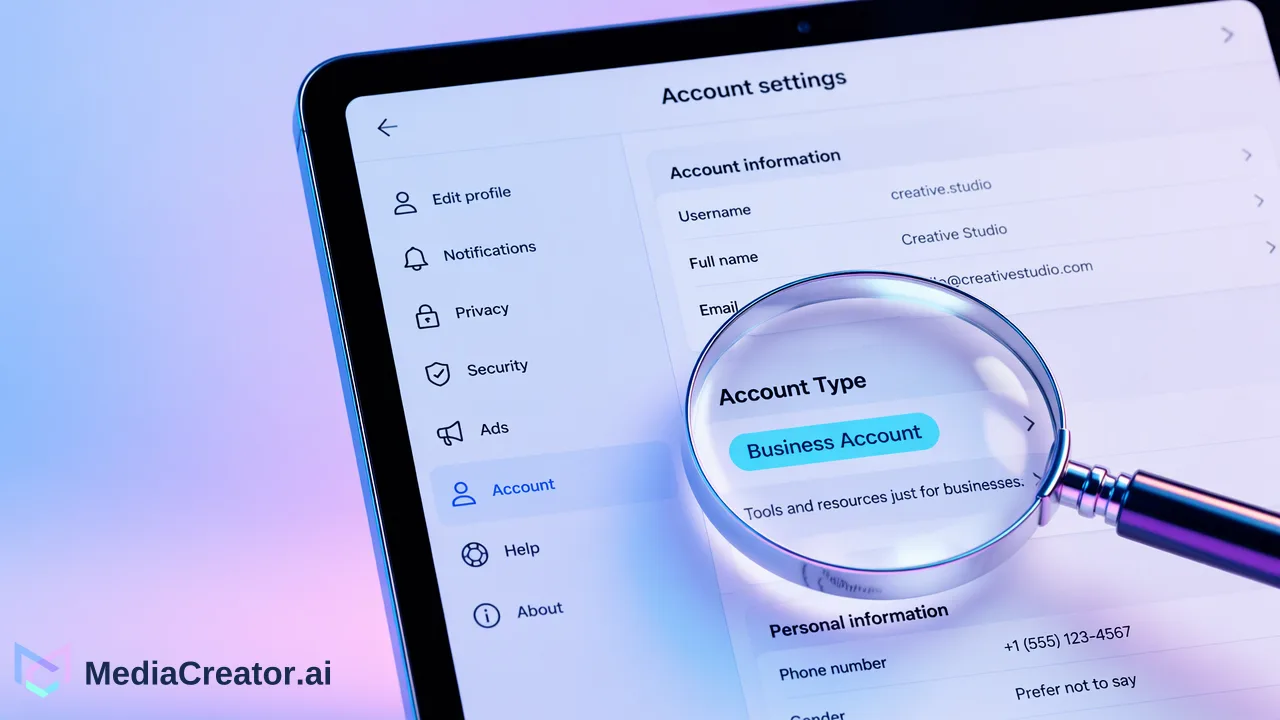
Native Instagram scheduling and third-party direct publishing can apply different account, permission, and content rules.
Do not switch your Instagram account type solely because a scheduler comparison says you must. First distinguish scheduling inside Instagram from publishing through a connected tool. Instagram’s current scheduling Help page describes the native route for public accounts; a third-party tool has its own connection, permission, and post-format requirements.
Two scheduling routes have different requirements
The Instagram scheduling Help page is the authority for scheduling inside the Instagram app. In the official page captured for this research, Instagram described scheduling Reels, photos, and carousels for public accounts. That statement concerns the native composer. It does not certify that a personal account can connect to every external scheduler or that every creative feature travels through an external publishing integration. Check the current Help page in your account before relying on a setting, because platform controls can change.
A third-party route starts with connecting an account and granting the tool permissions. The tool then supports its own set of formats and publishing actions within the access the platform permits. One vendor's instructions for Creator, Business, or linked Facebook Page settings are its own integration guidance; they are not a universal rule for Instagram's native scheduler. Likewise, seeing a Schedule option in the app does not establish eligibility for direct publishing through a particular tool.
| Question | Native Instagram scheduling | Third-party tool |
|---|---|---|
| Where is the post composed and scheduled? | In Instagram | In the tool's composer and calendar |
| Which account rule governs? | Current Instagram Help and the account's visible controls | Current tool connection rules plus Instagram permissions |
| Are native effects and settings available? | Check the relevant Instagram composer | Test the exact format and controls the tool exposes |
| What proves the route works? | A scheduled item visible in Instagram | A connected account, accepted test post, and verified publish result |
Check visibility, account type, and existing connections
Start with privacy. If the account is private, do not make it public merely to satisfy a blog post or a tool's marketing line. Check whether the official native scheduler is available to that account and whether the intended publishing route requires a public account. A public account changes who can see posts, so the privacy decision is larger than the calendar decision.
Next record whether the account is Personal, Creator, or Business. The categories can affect available professional features and the access a connected service can request. Do not assume that switching is harmless: examine what the team currently uses, including account insights, messaging workflows, existing integrations, and any linked assets, before changing type. A buyer with several managed accounts should inspect each account separately, since one successful connection does not prove another will be eligible.
For an external tool, follow its current connection flow and look at the permissions shown during authorization. MediaCreator describes OAuth-connected Instagram scheduling, a per-account preview, and a calendar. Its public feature page does not promise every Instagram account type or every native creative control. The sensible question is whether your own account can connect and publish your intended format in the current interface. If the flow asks for a change, read the reason and confirm its effect before accepting.
Test the post you actually plan to publish
A generic “Instagram supported” badge is too broad for a buying decision. List the specific post you need: Reel, single photo, carousel, or another format. Add the creative controls that matter, such as music, collaborators, tags, cover selection, or a caption workflow. Then separate indispensable features from nice-to-have details. If a native-only control is essential, the native composer may be the better route for that post even if the team uses an external calendar for other content.
Here is a cautious trial for a hypothetical small business that wants to schedule a product Reel. First, leave the account settings as they are and confirm what the current Instagram app offers for that public or private account. Second, review the tool's connection requirements and attempt its authorized OAuth flow. Third, prepare a low-stakes Reel using the intended video, caption, cover, and any required native feature. Preview it in the tool, schedule it for a time the team can monitor, and check the result in Instagram after the intended release. Record whether any final action in the Instagram app was required. This is a test plan, not a claim that a particular account will pass.
If the trial fails, diagnose the exact step: account eligibility, authorization, unsupported media, missing native control, or a publish error. Only then decide whether to adjust the format, use native scheduling for that post, or consider a justified account change. Do not treat “scheduled” in a calendar as equivalent to “published” on Instagram.
Choose the route after the trial
Use native scheduling when its available controls meet the post and the team is comfortable finishing work inside Instagram. Use an external tool when the account connects, the required format works, and its shared calendar or per-account preview solves a real planning problem. Some teams may use both routes for different posts. The choice should follow the observed workflow, not a blanket claim that every Instagram user must become a Business account.
Before changing privacy or account type, run the sample workflow on the account and post format you intend to use. If a connected calendar would help, start with MediaCreator's social media scheduler and verify its current connection and publishing behavior for your own Instagram account.
Learn More
Choose the product information that fits the next step in your workflow.
Get Started with MediaCreator.ai
Discover the power of AI-driven content creation
Related Articles
Continue learning with these related guides
Choosing a TikTok Scheduling Tool When You Also Post to Reels and Shorts
A TikTok scheduling tool for a creator who also publishes Reels and Shorts should connect the actual destination accounts, let an editor adapt each version
BlogHow to Translate Instagram Reels for Followers Who Speak Other Languages
A practical workflow for translating a Reel, reviewing speech and subtitles, adapting its caption, and scheduling the finished version.
BlogHow to Schedule Instagram Reels Without Posting Manually
Connect an eligible Instagram account, write Reels captions, schedule on a calendar and preview per platform. Includes account-type notes.
Blog