
The Audio-First Workflow: Balancing Batch Planning with Trending Content
Learn how to balance batch planning with trending content using a unified dashboard, visual calendar, and AI tools for your social media audio workflow.
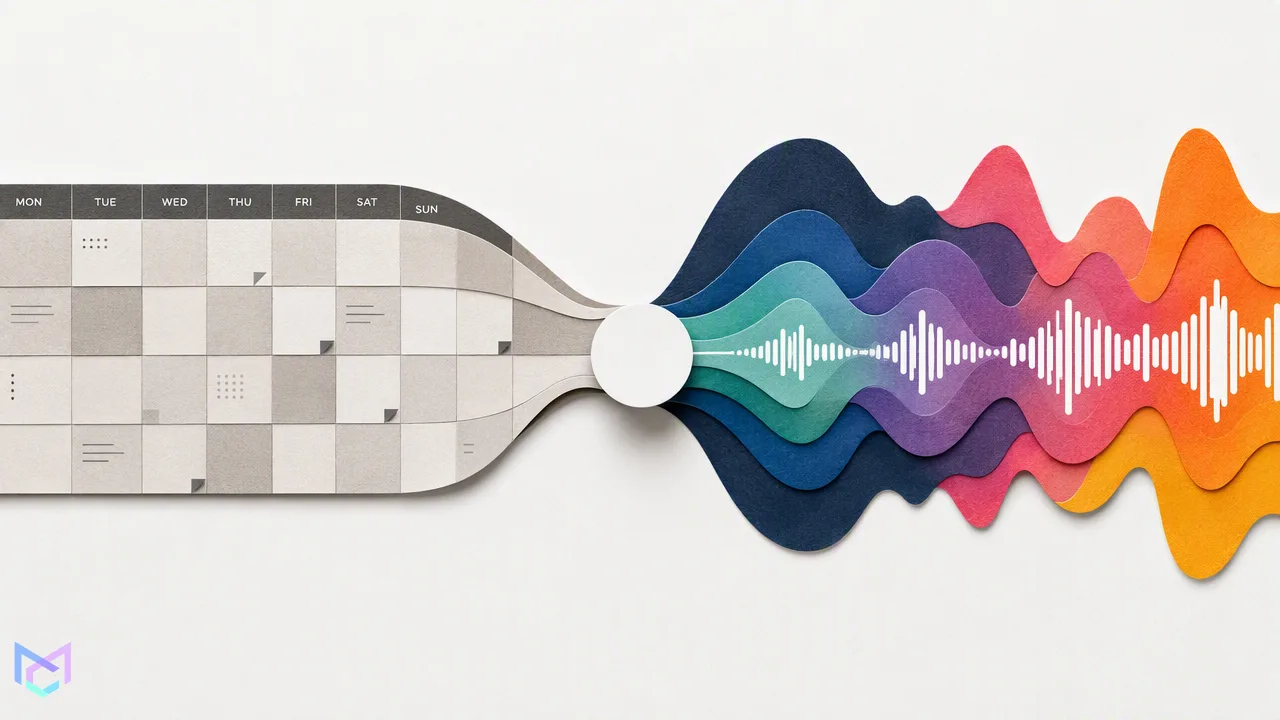
Discover how to balance long-term batch planning with reactive trending content using a unified social media management dashboard, visual calendars, and optional AI assistance.
Balancing batch planning with trending content requires a unified workflow that separates long-term scheduling from real-time engagement. By using a centralized dashboard to manage your calendar and a unified inbox for reactive replies, teams can maintain a consistent publishing cadence while staying agile. Incorporating a social media audio workflow and AI-assisted tools can further accelerate drafting and visual creation, provided you maintain human oversight on every post.
The Challenge of Modern Social Media Management
Social media managers face a constant pull between executing a well-planned content calendar and reacting to sudden trends. Maintaining a consistent presence requires both long-term planning and real-time responsiveness. When teams rely on manual app switching to handle daily posts, jumping on a trending topic often disrupts the core schedule. Traditional workflows often involve downloading assets to a mobile device, logging into individual native apps, and manually typing captions. This fragmented approach creates bottlenecks. If a creator needs to capitalize on a sudden cultural moment, the time spent navigating different interfaces can mean missing the window of relevance entirely. A unified approach helps teams keep their evergreen content flowing while leaving room to adapt to daily shifts in audience attention. By centralizing the workspace, creators can separate the deep work of batch creation from the rapid response required for daily trends.
Building Your Foundation: The Batch Planning Workflow
A reliable batch planning process forms the foundation of any social media strategy. Instead of logging in and out of native apps, teams can connect their accounts using OAuth 2.0. This method supports multi-account management across TikTok, Instagram, Facebook, and YouTube without requiring password sharing or browser extensions. Once connected, a visual calendar allows for transparent management of content states. Teams can view posts in draft, queued, and published stages, providing a clear overview of the upcoming week or month. This centralized view supports composing a core message once and adapting it per platform. For example, a team can upload a core video asset, then use the per-platform preview feature to ensure the aspect ratio and caption formatting look correct on both YouTube and TikTok before scheduling. By locking in evergreen posts early, creators free up the daily bandwidth needed to monitor feeds and identify new opportunities. The visual calendar acts as a single source of truth, ensuring that scheduled content continues to publish automatically while the team focuses on real-time community engagement and trend spotting.
Staying Agile: Integrating Trending Content
While batch planning secures the baseline, agility dictates how well a brand capitalizes on the moment. When a new social media audio workflow or visual trend emerges, teams need to pivot quickly. MediaCreator.ai provides optional AI assistance to speed up this reactive creation process, helping teams move from concept to draft in minutes. Tools like Nova AI act as a co-pilot for post drafting, offering workflow assistance when brainstorming angles for a trending topic. If a creator has a raw video clip ready for a trending audio track, Quick Caption can generate platform-adapted copy based on the uploaded media. For broader visual trends, Content Studio supports AI image and video generation directly within the platform. However, speed must not replace human judgment. All AI write actions in the platform show a confirm card before publishing. This confirm-first behavior ensures that human oversight remains central to the workflow. Teams can draft rapidly using AI assistance, but a human must always review, edit, and approve the final post. This balance allows brands to participate in fast-moving trends while maintaining their unique voice and strict quality control.
Closing the Loop: Unified Engagement
Publishing content is only half the workflow; community interaction completes the cycle. When a trending post gains traction, it often generates a sudden influx of audience reactions across multiple channels. Managing this response natively requires constant app switching, which drains time and fragments team communication. A unified social inbox aggregates comments, direct messages, and @mentions from all connected accounts into one centralized view. This allows teams to review and reply to engagement on TikTok, Instagram, Facebook, and YouTube from a single dashboard. Instead of checking four different apps on a mobile device, a social media manager can process a YouTube comment and an Instagram DM back-to-back. Centralized engagement helps teams maintain community connection efficiently, turning a reactive spike in attention into a manageable, organized conversation. By keeping both publishing and engagement in one web-based software environment, teams can close the loop on their social strategy without losing context or missing critical audience interactions.
FAQ
How do I manage multiple social media accounts in one place?
You can manage multiple accounts by connecting them to a centralized web-based platform using OAuth 2.0. MediaCreator.ai supports multi-account management for TikTok, Instagram, Facebook, and YouTube. This allows you to schedule posts, preview per-platform rendering, and view everything on a visual calendar without sharing passwords or using browser extensions.
Can AI help me create content for trending topics?
Yes, optional AI tools can assist in drafting and visual generation when you need to react quickly to trends. Features like Nova AI for drafting, Quick Caption for adapting copy, and Content Studio for image and video generation help speed up the process. All AI-generated content requires a manual confirm-first step before publishing to ensure human oversight.
Is it safe to connect my social accounts to a management platform?
Connecting accounts via OAuth 2.0 is a standard, secure method that does not require password sharing. This approach allows platforms to publish content and aggregate engagement while keeping your core account credentials private.
How does a visual calendar improve content scheduling?
A visual calendar provides a transparent overview of your content pipeline by displaying posts in draft, queued, and published states. This helps teams balance long-term batch planning with daily reactive posts, ensuring a consistent publishing cadence across all connected platforms.
Get Started with MediaCreator.ai
Discover the power of AI-driven content creation
Related Articles
Continue learning with these related guides
How to Integrate Boosted Reels into Your Social Media Publishing Workflow
Integrate boosted Instagram Reels into your social publishing workflow. Balance organic planning, eligibility, brand voice, and analytics.
BlogThe Full-Funnel Social Media Strategy: Mapping Content Formats to Business Goals
Learn how to build a full-funnel social media strategy by mapping short-form discovery and long-form consideration into a unified cross-platform workflow.
Blog