
How to Optimize Your Facebook Business Page for Professional Social Media Management
Learn how facebook business page optimization helps teams manage brand presence, collaborate securely via OAuth, and streamline cross-platform publishing.
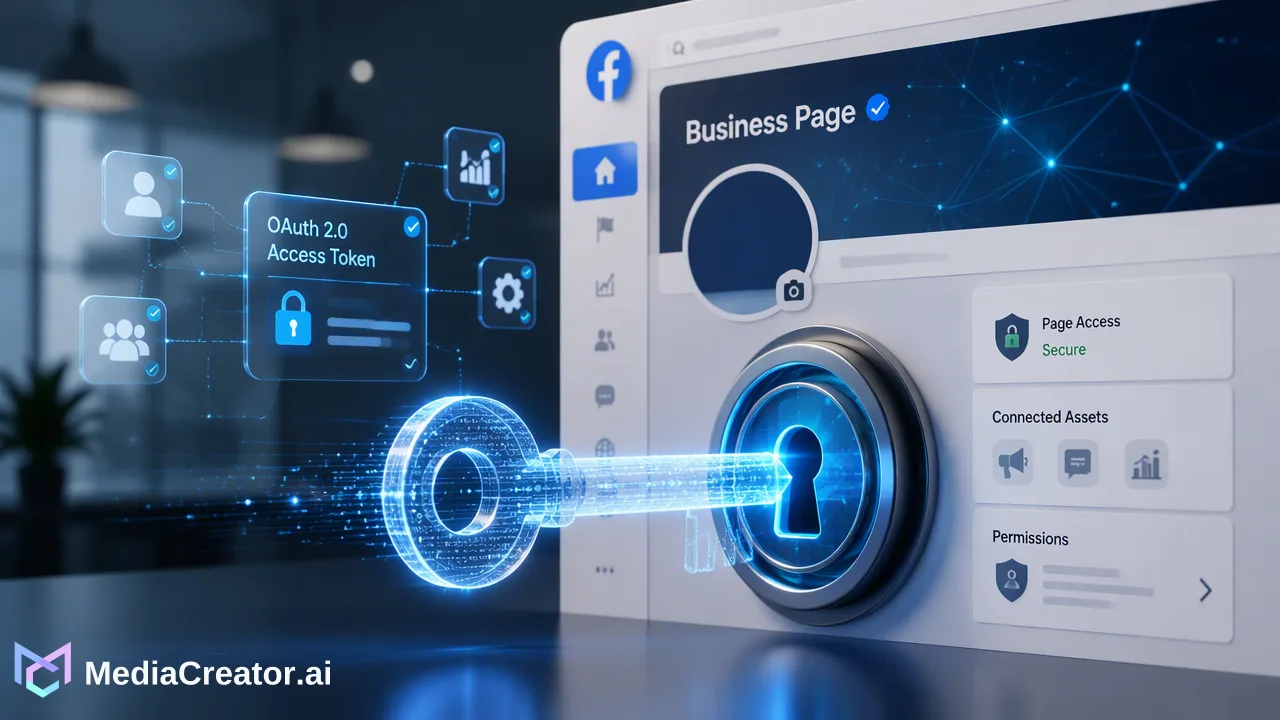
A practical guide to Facebook Business Page optimization for teams, covering profile discovery, secure OAuth-based team access, visual content scheduling, and unified community engagement.
Facebook business page optimization requires configuring a brand page as a public discovery hub, structuring secure multi-user management, and establishing organized publishing workflows. Unlike personal profiles, a Facebook Business Page grants organizations dedicated access to performance analytics, business permission controls, and discovery tools. When managed through web-based platforms like MediaCreator.ai, organizations connect Facebook alongside TikTok, Instagram, and YouTube using OAuth 2.0 authentication, eliminating shared passwords while centralizing drafts, scheduling, and community engagement.
The Strategic Advantage of a Facebook Business Page
Transitioning from a personal profile to an optimized Facebook Business Page represents a foundational step for commercial social operations. Personal profiles are bound to individual identities, creating severe operational bottlenecks and security risks when multiple contributors need access. In contrast, business pages provide structural advantages designed specifically for commercial brand visibility and organizational governance. A Facebook Business Page acts as a public-facing digital storefront. While personal profiles restrict visibility according to private friendship graphs and account settings, business pages remain accessible to search engines and non-connected users across the broader web. This structural distinction transforms the page into an organic discovery channel where prospective customers review services, check contact details, and evaluate social credibility. | Operational Requirement | Personal Profile | Facebook Business Page | | :--- | :--- | :--- | | Public Search Visibility | Restricted by personal privacy settings | Fully indexed for discovery | | Team Access Management | Requires sharing personal account logins | Supports multi-user role delegation | | Third-Party Tool Integration | Disallowed or heavily limited | Authorized via standard OAuth 2.0 | | Performance Analytics | Limited personal engagement metrics | Dedicated account and post-level data | | Commercial Advertising | Not supported for brand promotion | Direct access to commercial ad tools | Beyond external discoverability, business pages unlock performance data and permission settings necessary for coordinated campaigns. Organizations can evaluate post reach, track follower interactions, and study audience habits over time. When integrated into MediaCreator.ai, these account signals inform posting-schedule planning by providing historical performance context, helping teams refine when and how they publish.
Optimizing Your Page for Visibility and Credibility
Executing systematic facebook business page optimization requires aligning all visual and informational page elements to project professionalism and facilitate organic search discoverability. When users encounter a brand on Facebook, complete profile assets establish immediate trust and verify organizational legitimacy. Key configuration areas include:
- Identity and Profile Elements: Ensure the profile avatar and cover banner accurately represent current brand guidelines. High-resolution graphics formatted to recommended canvas ratios prevent distortion across mobile and desktop displays. - Actionable Business Information: Complete the 'About' section thoroughly, including the official website link, physical location or service regions, operating hours, and primary contact methods. Clear categorization helps the platform index the page for relevant industry queries. - Custom Action Buttons: Configure the primary call-to-action button (such as 'Contact Us', 'Learn More', or 'Book Now') to guide visitors directly toward relevant conversion paths or customer service endpoints. - Centralized Link Architecture: Direct traffic using structured link destinations. Utilizing integrated link management tools allows teams to track, organize, and update external URLs from one central location rather than manually maintaining scattered links across post histories. Maintaining verified, up-to-date business details not only assists prospective clients during initial discovery but also reinforces brand credibility across connected channels.
Professional Team Management and Secure Access
A common operational vulnerability in social media management is credential sharing. Distributing a single master login or relying on unofficial browser extensions exposes organizations to account lockouts, unauthorized modifications, and compliance breaches. Professional team workflows replace ad-hoc access with secure token authorization. MediaCreator.ai connects Facebook accounts—alongside TikTok, Instagram, and YouTube—using OAuth 2.0 protocols. Under this model, page administrators authorize access tokens directly from the social platform without ever disclosing user passwords. The platform requires no third-party browser extensions, minimizing attack surfaces across collaborative environments. Team members can contribute content, review drafts, and manage interactions according to their assigned roles within the web application. For studios and agencies managing complex brand portfolios, the platform supports connecting multiple accounts per supported platform from one centralized dashboard. Once connected, team members monitor community interactions through a unified social inbox. This tool aggregates incoming comments, direct messages, and @mentions into a shared operational stream. Managing community engagement from a single interface reduces the need to cycle between separate native apps, supports consistent brand moderation, and ensures customer queries receive timely attention.
Streamlining Content Workflows and Publishing
Consistent publishing requires structured editorial governance. Rather than posting natively on an ad-hoc basis, professional teams utilize cross-platform publishing calendars and collaborative authoring workflows to plan campaigns weeks in advance. MediaCreator.ai features a visual publishing calendar that tracks content across distinct lifecycle states: draft, queued, and published. Content teams can compose a core post once, adapt the copy and creative assets to match platform nuances, and generate dedicated per-platform previews before scheduling. This ensures that Facebook posts display optimal image framing and copy formatting while sibling posts prepared for Instagram or YouTube maintain their respective platform conventions. To accelerate production while preserving quality, teams can leverage integrated AI features:
- Nova AI Co-pilot: Functions as an in-app assistant to draft copy variations and guide workflow decisions. - Quick Caption: Adapts textual captions dynamically from uploaded image or video assets. - Brand Voice Engine: Stores reusable organizational tone guidelines, ensuring AI-drafted messages align with established editorial standards. - Content Studio: Generates supporting image and video media within the web application. Crucially, professional publishing environments prioritize human oversight over unmonitored automation. Whenever an AI write action is triggered within MediaCreator.ai, the system presents an explicit confirm card. The post cannot be scheduled or published until an authorized team member reviews, edits, and explicitly confirms the final output, safeguarding brand voice integrity across all public channels.
FAQ
Why should organizations use a Facebook Page instead of a personal profile?
Personal profiles are designed for individual networking and lack business governance features. A Facebook Business Page functions as an open discovery asset that supports team-based permission roles, performance analytics, and connection to external management tools. Operating through a business page protects personal account credentials and establishes an official, credible presence for audiences exploring brand offerings.
How can teams manage a Facebook Page without sharing credentials?
Teams manage business pages securely by connecting accounts through OAuth 2.0 authorization within a central management platform. In MediaCreator.ai, this protocol establishes direct administrative access without requiring team members to share passwords or install unvetted browser extensions. Account administrators can add multiple accounts per platform while maintaining individual oversight.
What are the operational benefits of a unified social inbox?
A unified social inbox aggregates incoming comments, direct messages, and @mentions across connected social accounts into a single interface. Rather than switching between individual native platforms, team members review and respond to community inquiries from one workspace, which helps maintain response consistency and supports timely moderation across active channels.
How does AI assist in professional Facebook content creation?
Optional AI tools such as Nova AI co-pilot, Quick Caption, and Content Studio assist content workflows by drafting copy, generating media concepts, and aligning posts with a saved Brand Voice. To ensure quality control and prevent unauthorized automated posting, professional platforms implement a confirm-first model, surfacing an explicit confirm card that requires human approval before any post publishes.
Learn More
Choose the product information that fits the next step in your workflow.
Get Started with MediaCreator.ai
Discover the power of AI-driven content creation
Related Articles
Continue learning with these related guides
Mastering LinkedIn Consistency: A Workflow Guide to Automated Scheduling
Streamline your scheduling workflow by shifting from manual daily posts to batch planning, visual calendars, and multi-platform management.
BlogBuilding a Real-Time Social Media Monitoring Workflow: A Guide to Reputation Management
Learn how to build a real-time social media monitoring workflow to track mentions, assess sentiment, and protect brand reputation across channels.
Blog