
Beyond Ad Fatigue: How Unified Workflows Improve Audience Quality
Learn how unified social media workflows and audience quality verification help creators reduce ad fatigue and maintain consistent brand engagement.
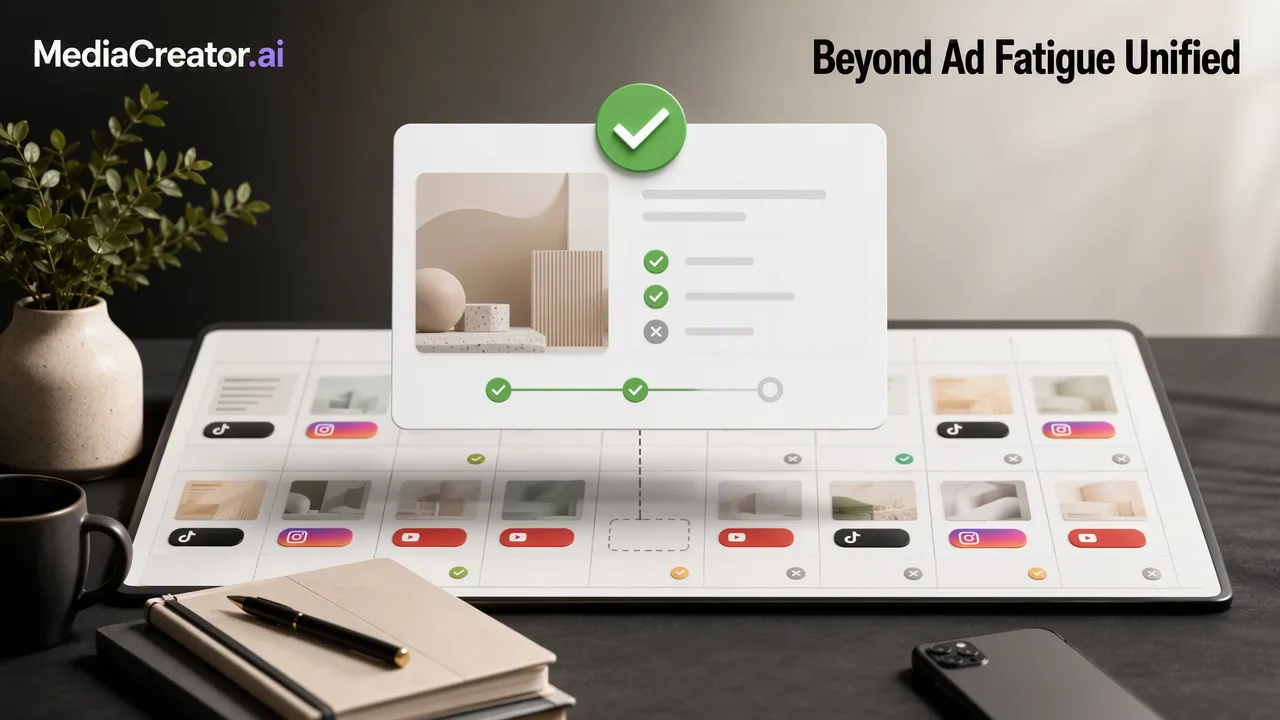
Centralizing social media management helps creators and teams maintain audience quality, reduce manual errors, and support consistent engagement across platforms.
Audience quality is maintained by delivering consistent, high-quality interactions across all platforms. By using a unified dashboard to manage publishing, engagement, and AI-assisted content creation, teams can eliminate the fragmentation that leads to ad fatigue and missed opportunities. This centralized approach supports audience quality verification by confirming every post is intentional, correctly formatted for its specific audience, and reviewed before publishing.
The Hidden Cost of Fragmented Social Management
Managing social media across multiple platforms often creates a 'copy-paste tax' for creators and agencies. Manual cross-platform posting leads to inefficiencies and increases the risk of formatting errors. When teams manually switch between apps to publish or check messages, inconsistent messaging can slip through. This fragmentation degrades audience trust and contributes to content fatigue, making it difficult to maintain a high standard of audience interaction.
Streamlining Your Workflow with a Unified Dashboard
A unified approach keeps work in one place and reduces manual switching. MediaCreator.ai supports secure OAuth 2.0 account connections for TikTok, Instagram, Facebook, and YouTube, requiring no password sharing or browser extensions. Teams can compose a single post, adapt it for each platform, and use per-platform previews before scheduling on a visual calendar that tracks draft, queued, and published states. Additionally, a unified social inbox brings comments, direct messages, and mentions into one stream, helping teams catch and reply to audience interactions efficiently.
Leveraging AI as a Co-Pilot, Not a Replacement
AI tools should assist the workflow, not run it autonomously. Optional features like Nova AI act as a co-pilot for drafting, while Content Studio helps generate visuals and Quick Caption adapts copy for different platforms. Crucially, AI write actions in MediaCreator.ai show a confirm card before publishing. This confirm-first design means teams must review all AI-generated content, maintaining brand alignment and supporting audience quality verification before anything goes live.
Data-Driven Engagement: Moving Beyond Estimates
Intelligent analytics pull real platform metrics to inform posting schedules and content strategy. By measuring actual engagement rather than relying on estimates, creators can refine their approach for the next content cycle. This data-driven feedback loop helps teams understand what content performs best, supporting better audience quality and more effective long-term planning.
FAQ
How does a unified inbox improve response times?
A unified social inbox aggregates comments, direct messages, and mentions from connected accounts into a single dashboard. This reduces manual switching between platforms and helps teams review and reply to audience interactions more efficiently.
Why is a confirm-first design important for AI-assisted content?
A confirm-first design means that all AI-generated drafts and visuals are reviewed by a human before going live. In MediaCreator.ai, AI write actions display a confirm card, allowing teams to verify brand alignment and maintain audience quality.
Can I manage multiple accounts for the same platform?
Yes, MediaCreator.ai supports connecting multiple accounts per supported platform (TikTok, Instagram, Facebook, and YouTube) using secure OAuth 2.0 connections without requiring password sharing.
Get Started with MediaCreator.ai
Discover the power of AI-driven content creation
Related Articles
Continue learning with these related guides
Beyond Social Listening: How to Build an Audience Intelligence Workflow
Move beyond reactive social listening. Learn how to build an audience intelligence workflow to turn engagement data into an informed content strategy.
BlogCentralizing Social Media Engagement: How to Manage Comments, DMs, and Mentions from One Unified Inbox
Learn how a unified social media inbox centralizes comments, direct messages, and mentions from TikTok, Instagram, Facebook, and YouTube.
BlogBuilding a Unified Social Media Measurement Framework: From Data to Business Impact
Build a unified social media measurement framework to connect cross-channel analytics with business impact, marketing KPIs, and measurable ROI.
Blog